Author: Emerson .

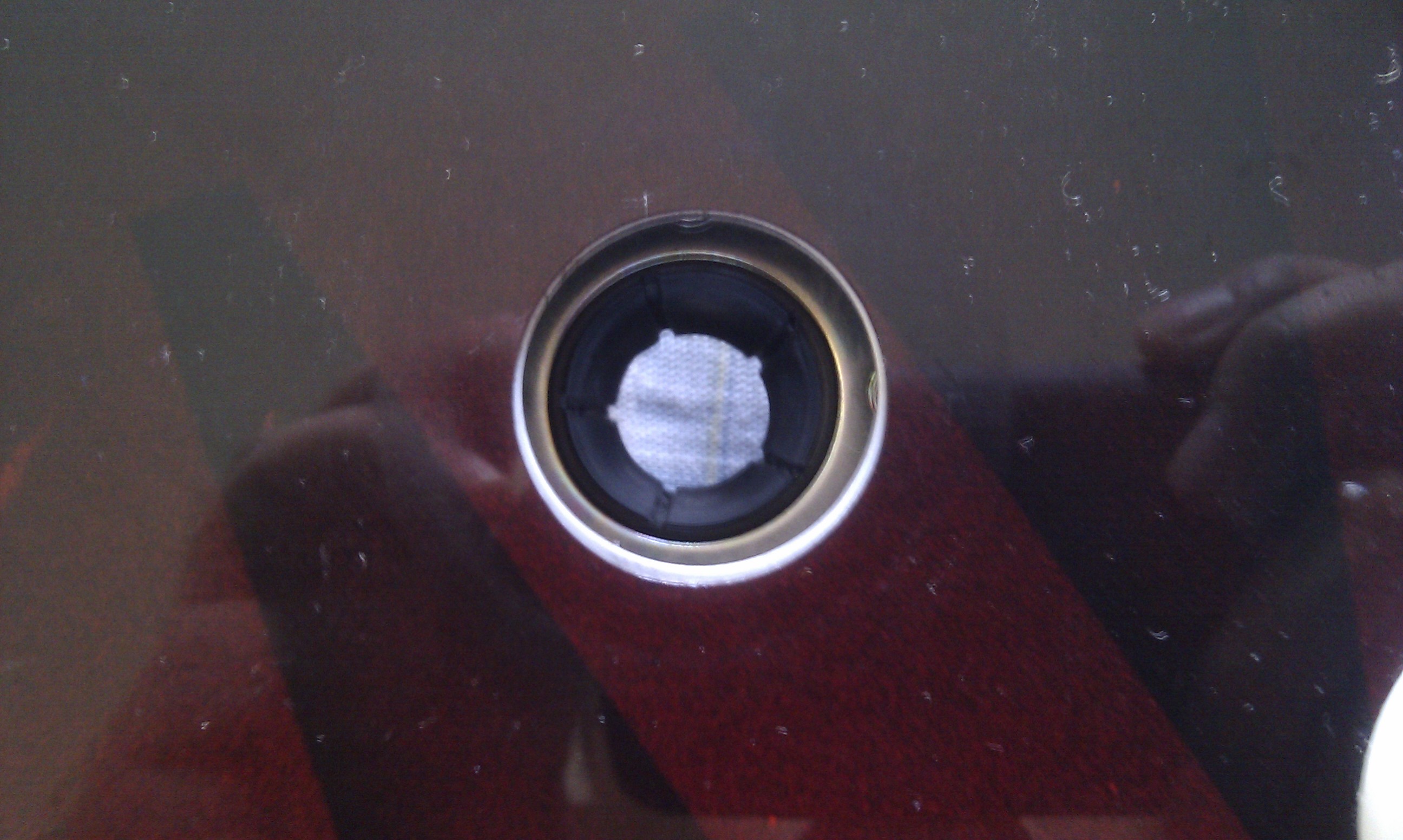
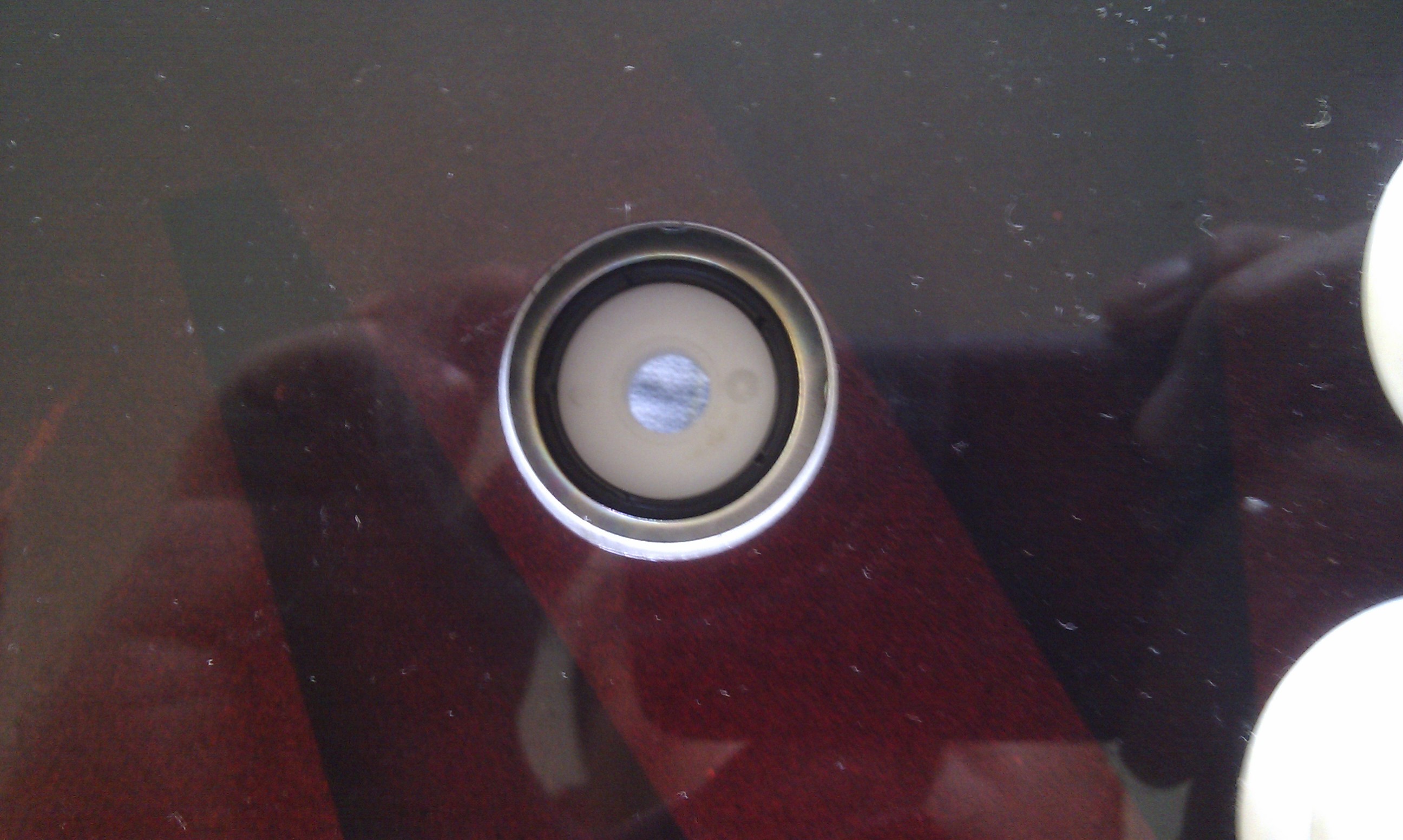
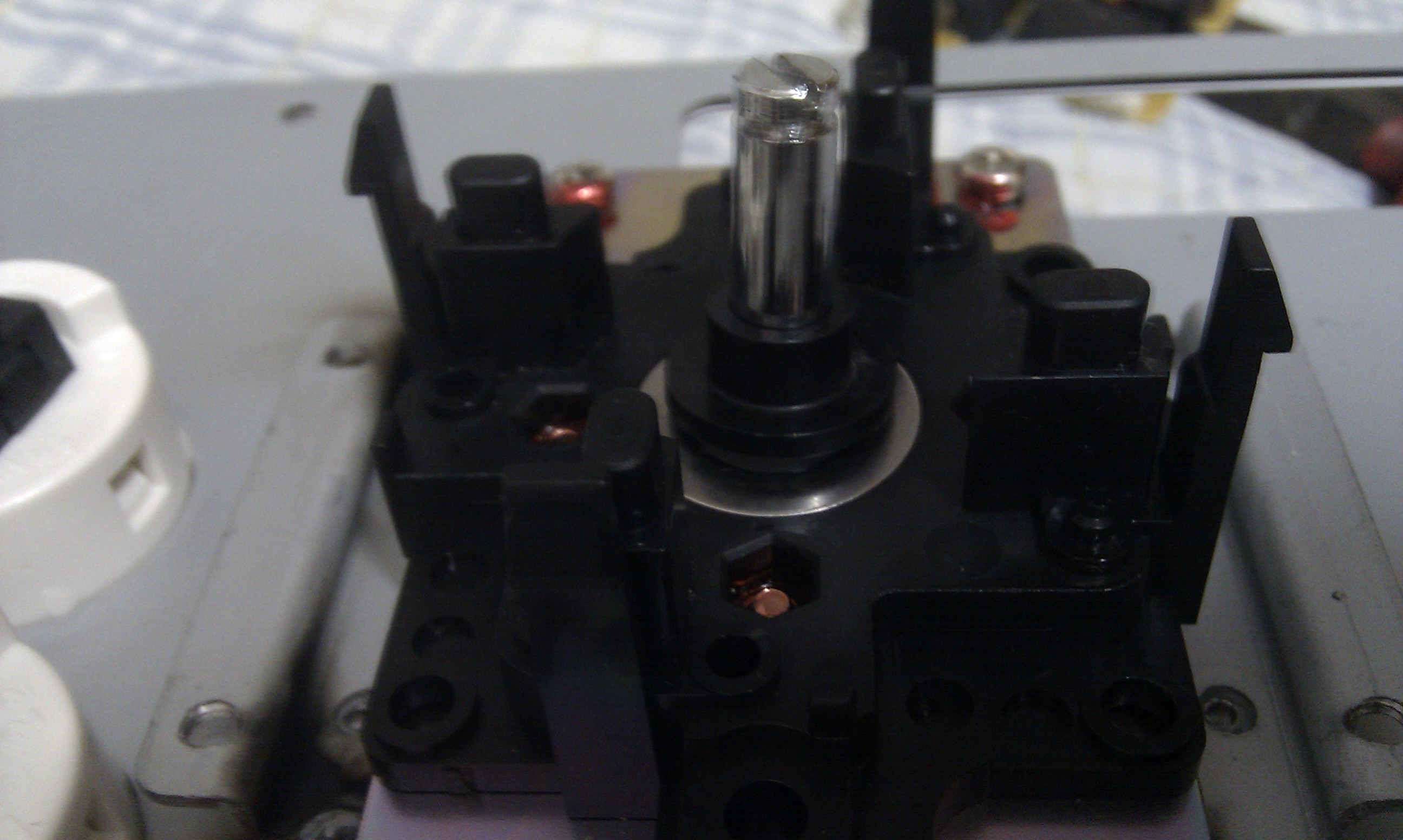
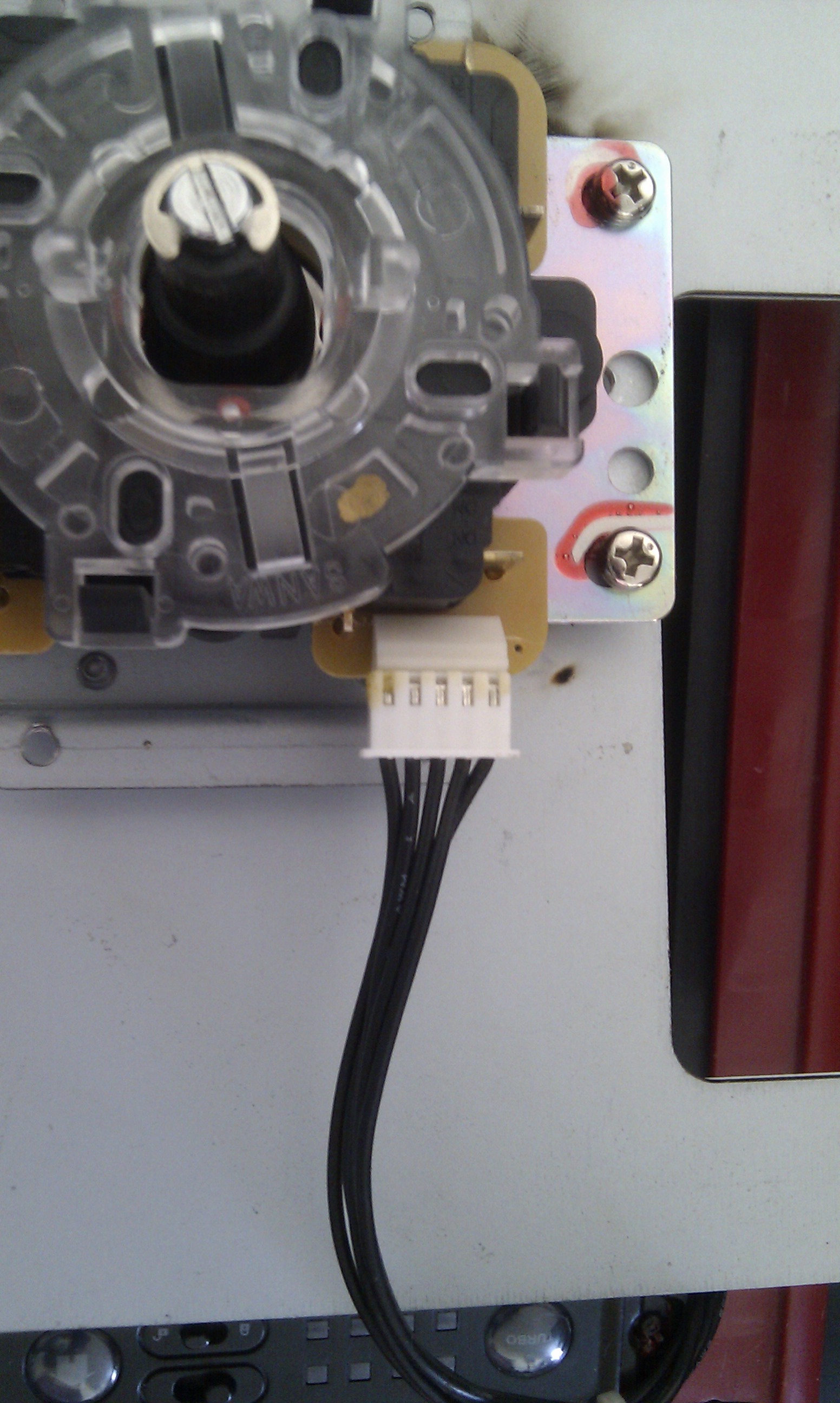
Disassemble a Mad Catz FightStick Tournament Edition

Here is some videos that shinjnSRK from shoryuken.com shows how to disassemble a Mad Catz FightStick Tournament Edition

How to open the case


Main Printed Circuit Board and Terminal Block

Control Module and USB cable compartment

Top control panel

Removing the Sanwa snap-in buttons and replacing with Seimitsu, Sanwa screw-in buttons

Semitsu LS-32-01 (Semitsu SS mounting plate) and Sanwa JLF-P1 flat mounting plate

How to fit a Happ/iL pushbutton and joystick

Summary

Mad Catz FightStick LockSwitch++ Mod

Solderless Tricks & Tips for QDs and Ribbon Connectors

Suse Linux SP2 hwinfo: braille.4.2: alva read data freezes

I ran the command hwinfo and waited a long time seeing this message

root@suselinux10sp2:~ # hwinfo
> braille.4.2: alva read data

I checked the hwinfo package

root@suselinux10sp2:~ # rpm -qi hwinfo
Name : hwinfo Relocations: (not relocatable)
Version : 12.55 Vendor: SUSE LINUX Products GmbH, Nuernberg, Germany
Release : 0.3 Build Date: Wed 23 Apr 2008 08:10:20 PM BRT
Install Date: Fri 05 Sep 2008 08:11:38 AM BRT Build Host: janacek.suse.de
Group : Hardware/Other Source RPM: hwinfo-12.55-0.3.src.rpm
Size : 1828813 License: GPL v2 or later
Signature : DSA/SHA1, Wed 23 Apr 2008 08:13:01 PM BRT, Key ID a84edae89c800aca
Packager : http://bugs.opensuse.org
Summary : Hardware Library
Description :
A simple program that lists results from the hardware detection
library.
Distribution: SUSE Linux Enterprise 10 (X86-64)

And the distribution that I was using

root@suselinux10sp2:~ # cat /etc/*release
LSB_VERSION=”core-2.0-noarch:core-3.0-noarch:core-2.0-x86_64:core-3.0-x86_64″
SUSE Linux Enterprise Server 10 (x86_64)
VERSION = 10
PATCHLEVEL = 2

Then I’ve updated the package hwinfo with the one on the Suse Linux 10 SP4 ISO – hwinfo-12.67-0.7.21.x86_64.rpm

root@suselinux10sp2 # rpm -U hwinfo-12.67-0.7.21.x86_64.rpm
root@suselinux10sp2 #

AIX errpt error message: 0315-180 logread: UNEXPECTED EOF

If you see this error message

root@aix:/ # errpt -a
0315-180 logread: UNEXPECTED EOF
0315-171 Unable to process the error log file /var/adm/ras/errlog.
0315-132 The supplied error log is not valid: /var/adm/ras/errlog.

And the log file is zeroed

root@aix:/ # ls -l /var/adm/ras/errlog
-rw-rw-r– 1 root system 0 Mar 14 09:38 /var/adm/ras/errlog

root@aix:/ # errclear 0
0315-180 logread: UNEXPECTED EOF
0315-171 Unable to process the error log file /var/adm/ras/errlog.
0315-132 The supplied error log is not valid: /var/adm/ras/errlog.

Stop the error logging, remove the file and then restart it again

root@aix:/ # /usr/lib/errstop
root@aix:/ # rm /var/adm/ras/errlog
root@aix:/ # /usr/lib/errdemon

root@aix:/ # ls -l /var/adm/ras/errlog
-rw-rw-r– 1 root system 123404 Jul 11 14:33 /var/adm/ras/errlog

Where is the platform message log on a Sun Fire E25K?

sms-svc@systemcontroller-sc0:~ $ setfailover force
Forcing failover. Do you want to continue (yes/no)? yes
setfailover: Unable to force a failover: Internal error – refer to the platform message log using the following code: 8622

To check the platform message log on a Sun Fire E25K, check the file $SMSVAR/adm/platform/messages

iPod Nano previously used on a Windows computer doesn’t work on a Mac

If your iPod previously used on a Windows computer isn’t syncing with a Mac, you need to check the Disk Format on your iPod.

On iTunes, go to Devices and click on the iPod. It will display the Name, Capacity, Software Version, Serial Number and Format. The format can be PC or Macintosh and needs to be equal to the computer you’re using.

To change the Disk Format on your iPod, click on the button Restore

Share videos from your Synology DiskStation and watch them on your Android phone

Once you checked the box “Enable DLNA/UPnP media server” on your Synology DiskStation’s Control Panel it will create three folders: music, photos and video

Put your videos on the folder called video (preferred videos encoded as MPEG4 – they have the extension ended in .mp4 or .m4v)

To watch your videos on your Android phone, you should use two programs (actually, you can use just one if you use MPEG4 videos)

To browse your DLNA server, install BubbleUPnP

You can also install the MX Player, a video player that opens almost all videos available.

Open BubbleUPnP and click on Library then select your DiskStation and browse the folders that are shared. Once you find an item that you would like to play, click on it and BubbleUPnP will ask you which video player do you want to use. You can choose MX Player.

What is a QR Code?

A QR code is the evolution of the barcode. It’s a 2D barcode that can represent an internet address, text or a phone number.

To read the QR code you need an app on your phone to scan the code.

You can install i-nigma Reader.

Open the app and scan the code.

Try scanning the QR code below:

Upgrading RAM on a Mac Mini late 2010 model – Memory beeping

On the manual of a Mac Mini late 2010 model, Apple recommends using a 1066MHz DDR3 SODIMM memory to upgrade the memory.

I’ve tried using a Kingston KVR KVR1333D3S9/4G but it ended up beeping whenever I tried to put the top memory stick.

I tried using Markvision BMD34096M1333C9-1121 and it worked perfectly as you can see below

hpacucli – Error: Another instance of ACU is already running (possibly a service)

If you receive this error message

root@linux:~ # /usr/sbin/hpacucli
HP Array Configuration Utility CLI 8.70-8.0
Detecting Controllers…

Error: Another instance of ACU is already running (possibly a service). Please
terminate the ACU application before running the ACU CLI. Press ENTER to
exit.

But there is no process running

root@linux:~ # ps -ef | grep -i acu
root 4805 32086 0 10:00 pts/0 00:00:00 grep -i acu

Delete all files on /opt/compaq/cpqacuxe/bld/locks to solve this problem

root@linux:/opt/compaq/cpqacuxe/bld/locks # ls
. .. CPQACU_MUTEX

In another occasion, solved this problem by deleting file /dev/shm/sem.hpacu.appLock on a RHEL 5

root@linux:~ # ls -l /dev/shm/sem.hpacu.appLock
-rw-r–r– 1 root root 32 Aug 16 05:21 /dev/shm/sem.hpacu.appLock

root@linux:~ # rm /dev/shm/sem.hpacu.appLock
rm: remove regular file `/dev/shm/sem.hpacu.appLock’? y

Checking LUN status in a HP Smart Array

To check a LUN that was created in a HP Proliant with Smart Array you need to have a package called hpacucli installed

root@linux:~ # rpm -qi hpacucli
Name        : hpacucli                     Relocations: (not relocatable)
Version     : 8.70                              Vendor: Hewlett-Packard Company
Release     : 8.0                           Build Date: Thu Dec  2 00:43:51 2010
Install date: Wed May 11 10:34:58 2011      Build Host: Prowl
Group       : Applications/System           Source RPM: hpacucli-8.70-8.0.src.rpm
Size        : 17788857                         License: See hpacucli.license
Signature   : (none)
Packager    : Hewlett-Packard Company
URL         : http://www.hp.com/linux
Summary     : HP Command Line Array Configuration Utility
Description :
The HP Command Line Array Configuration Utility is the disk
array configuration program for Array Controllers.
Distribution: (none)

Check which version you’re running

root@linux:~ # cat /etc/*release
SUSE LINUX Enterprise Server 9 (i586)
VERSION = 9
PATCHLEVEL = 3

Download it on this link: http://h18000.www1.hp.com/products/servers/proliantstorage/software-management/acumatrix/index.html

Install the package

root@linux:~ # rpm -ivh hpacucli-8.70-8.0.noarch.rpm
Preparing…                ########################################### [100%]
1:hpacucli               ########################################### [100%]

And run hpacucli

root@linux:~ # hpacucli ctrl all show config
Smart Array 642 in Slot 3                 (sn: P92260YXQT80I8)
array A (Parallel SCSI, Unused Space: 0 MB)
logicaldrive 1 (279.4 GB, RAID 1, OK)
physicaldrive 2:0   (port 2:id 0 , Parallel SCSI, 300 GB, OK)
physicaldrive 2:1   (port 2:id 1 , Parallel SCSI, 300 GB, OK)

Checking status of all controllers

root@linux:~ # hpacucli ctrl all show status
Smart Array 6i in Slot 0 (Embedded)
Controller Status: OK
Cache Status: OK

root@linux:~ # hpacucli ctrl all show config detail

Smart Array E200 in Slot 3
Bus Interface: PCI
Slot: 3
Serial Number: PA6C9%%BFTTEZI
Cache Serial Number: P9A3A0B9SUB9YB
RAID 6 (ADG) Status: Disabled
Controller Status: OK
Chassis Slot:
Hardware Revision: Rev A
Firmware Version: 1.82
Rebuild Priority: Medium
Expand Priority: Medium
Surface Scan Delay: 3 secs
Post Prompt Timeout: 15 secs
Cache Board Present: True
Cache Status: OK
Accelerator Ratio: 50% Read / 50% Write
Drive Write Cache: Disabled
Total Cache Size: 128 MB
Battery Pack Count: 1
Battery Status: OK
SATA NCQ Supported: False

Array: A
Interface Type: SAS
Unused Space: 0 MB
Status: OK

Logical Drive: 1
Size: 410.1 GB
Fault Tolerance: RAID 5
Heads: 255
Sectors Per Track: 32
Cylinders: 65535
Stripe Size: 64 KB
Status: OK
Array Accelerator: Enabled
Parity Initialization Status: Initialization Completed
Unique Identifier: 600508B100102542465454455A490012
Disk Name: /dev/cciss/c0d0
Mount Points: / 10.0 GB, swap 5.0 GB, /boot 513 MB
Logical Drive Label: A03C5226PA6C9%%BFTTEZI6260

physicaldrive 1I:1:1
Port: 1I
Box: 1
Bay: 1
Status: OK
Drive Type: Data Drive
Interface Type: SAS
Size: 146 GB
Rotational Speed: 10000
Firmware Revision: HPD6
Serial Number: BS05P880BW8H0834
Model: HP DG146BABCF
PHY Count: 2
PHY Transfer Rate: 3.0GBPS, Unknown
physicaldrive 1I:1:2
Port: 1I
Box: 1
Bay: 2
Status: OK
Drive Type: Data Drive
Interface Type: SAS
Size: 146 GB
Rotational Speed: 10000
Firmware Revision: HPDD
Serial Number: 3NM4P21D0000983193YT
Model: HP DG146ABAB4
PHY Count: 1
PHY Transfer Rate: 3.0GBPS
physicaldrive 1I:1:3
Port: 1I
Box: 1
Bay: 3
Status: OK
Drive Type: Data Drive
Interface Type: SAS
Size: 146 GB
Rotational Speed: 10000
Firmware Revision: HPD6
Serial Number: PCY2S4AE
Model: HP DG0146FARVU
PHY Count: 2
PHY Transfer Rate: 3.0GBPS, Unknown
physicaldrive 1I:1:4
Port: 1I
Box: 1
Bay: 4
Status: OK
Drive Type: Data Drive
Interface Type: SAS
Size: 146 GB
Rotational Speed: 10000
Firmware Revision: HPDD
Serial Number: 3NM4LJ4Y00009831MEQU
Model: HP DG146ABAB4
PHY Count: 1
PHY Transfer Rate: 3.0GBPS


Quick cheat sheet on how to use the hpacucli taken from http://www.datadisk.co.uk/html_docs/redhat/hpacucli.htm

Utility Keyword abbreviations

Abbreviations chassisname = ch
controller = ctrl
logicaldrive = ld
physicaldrive = pd
drivewritecache = dwc

hpacucli utility

hpacucli # hpacucli# hpacucli helpNote: you can use the hpacucli command in a script

Controller Commands

Display (detailed) hpacucli> ctrl all show config
hpacucli> ctrl all show config detail
Status hpacucli> ctrl all show status
Cache hpacucli> ctrl slot=0 modify dwc=disable
hpacucli> ctrl slot=0 modify dwc=enable
Rescan hpacucli> rescanNote: detects newly added devices since the last rescan

Physical Drive Commands

Display (detailed) hpacucli> ctrl slot=0 pd all show
hpacucli> ctrl slot=0 pd 2:3 show detailNote: you can obtain the slot number by displaying the controller configuration (see above)
Status hpacucli> ctrl slot=0 pd all show status
hpacucli> ctrl slot=0 pd 2:3 show status
Erase hpacucli> ctrl slot=0 pd 2:3 modify erase
Blink disk LED hpacucli> ctrl slot=0 pd 2:3 modify led=on
hpacucli> ctrl slot=0 pd 2:3 modify led=off

Logical Drive Commands

Display (detailed) hpacucli> ctrl slot=0 ld all show [detail]
hpacucli> ctrl slot=0 ld 4 show [detail]
Status hpacucli> ctrl slot=0 ld all show status
hpacucli> ctrl slot=0 ld 4 show status
Blink disk LED hpacucli> ctrl slot=0 ld 4 modify led=on
hpacucli> ctrl slot=0 ld 4 modify led=off
re-enabling failed drive hpacucli> ctrl slot=0 ld 4 modify reenable forced
Create # logical drive – one disk
hpacucli> ctrl slot=0 create type=ld drives=1:12 raid=0# logical drive – mirrored
hpacucli> ctrl slot=0 create type=ld drives=1:13,1:14 size=300 raid=1# logical drive – raid 5
hpacucli> ctrl slot=0 create type=ld drives=1:13,1:14,1:15,1:16,1:17 raid=5Note:
drives – specific drives, all drives or unassigned drives
size – size of the logical drive in MB
raid – type of raid 0, 1 , 1+0 and 5
Remove hpacucli> ctrl slot=0 ld 4 delete
Expanding hpacucli> ctrl slot=0 ld 4 add drives=2:3
Extending hpacucli> ctrl slot=0 ld 4 modify size=500 forced
Spare hpacucli> ctrl slot=0 array all add spares=1:5,1:7